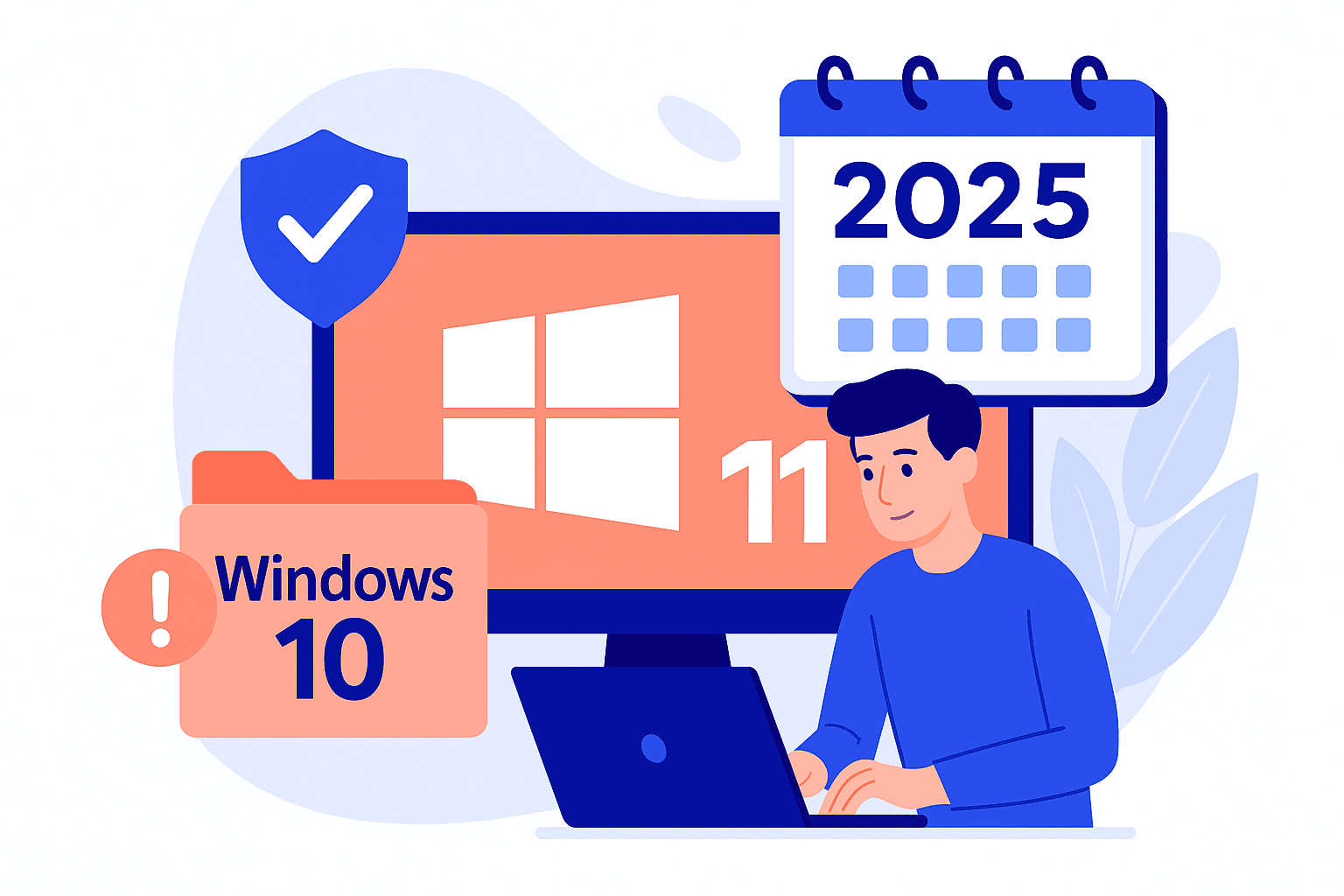
End of Windows 10 support on October 14, 2025: how to stay protected?
Microsoft will end support for Windows 10 version 22H2 on October 14, 2025. As of this date, no security updates or patches will be released, exposing your systems remaining on this version to unpatched vulnerabilities. New vulnerabilities discovered by attackers will provide them with a new entry point into your IS. We therefore urge you to take action as soon as possible.
What can you do?
Upgrade to Windows 11: This is the most recommended option for benefiting from the latest features, extended support and enhanced security. Under Windows 11, patches will protect you from the exploitation of new vulnerabilities!
ESU Program (Extended Security Updates): This is a paid option offered by Microsoft that enables you to continue receiving security updates for Windows 10 after the official end of support, for up to three years. It's a temporary solution to buy a little time to complete migrations to the latest Windows OS.
However, you'll need tocarefully assess the cost: $61 per workstation for the first year, $122 for the second and $244 for the third - a rate that doubles every year, to encourage you to migrate as soon as possible.
Lastly, if you are unable to upgrade your system (due to hardware or production constraints),isolating it from the rest of the information system is a compensatory measure designed to limit the impact of any compromise. This isolation must be carried out as quickly as possible.
How to migrate smoothly?
Hardware requirements :
Windows 11 requires machines to have certain technical characteristics. You can check your workstations with the following little tool: PC Integrity Check
New machine or simple upgrade:
- If current hardware is compatible, a direct upgrade to Windows 11 is possible.
- If the hardware doesn't meet the requirements, a new machine should be considered.
Licensing: Migration to Windows 11 may require a license upgrade, depending on the type of contract (OEM, Volume Licensing, Microsoft 365, etc.).
To ensure that your migration goes as smoothly as possible, we recommend that you carry out a workstation compatibility audit as soon as possible, draw up a Windows 11 migration timetable, and define the strategy for non-compatible machines (replacement or temporary use of the ESU). This anticipation will guarantee security, compliance and continuity of operations beyond the end of support.
To find out more :
- CERT FR notification
- Lifecycle - W10 Enterprise & Education
- Lifecycle - W10 Home & Pro
- Planning W11 migration
- W11 hardware requirements
Cyber risk is the number 1 risk for any company, whatever its size.